
Search Greene County Criminal Records
Greene County criminal records are centered in Greeneville, where the courthouse, sheriff, and city police all play a role in the search trail. That helps when you need to move from an incident report to a court file or when you only have a person name and a rough year. The county has a clear office structure, but the city and county records do different jobs. If you know which office made the record first, Greene County criminal records are much easier to follow. This page ties the local offices to the Tennessee statewide tools so the search stays practical.
Greene County Quick Facts
Greene County Criminal Records Overview
The Greene County Circuit Court Clerk is located at 101 S. Main Street in Greeneville, with office hours Monday through Friday from 8:00 AM to 4:30 PM Eastern time. The phone number is (423) 798-1760. The sheriff office is at 116 E. Depot Street, and the Greeneville Police Department is at 115 W. Summer Street. That means Greene County criminal records can begin in the city, move through the sheriff, and end in the county courthouse. The office that created the first record is the one to ask first.
That path matters because a police report, an arrest, and a court file are not the same record. Each one holds a different piece of the story. If you need the full case trail, you often need more than one office. Greene County makes that manageable because the county seat and the city offices are close enough to compare quickly.
Lead-in: The Tennessee state courts image comes from tncourts.gov.
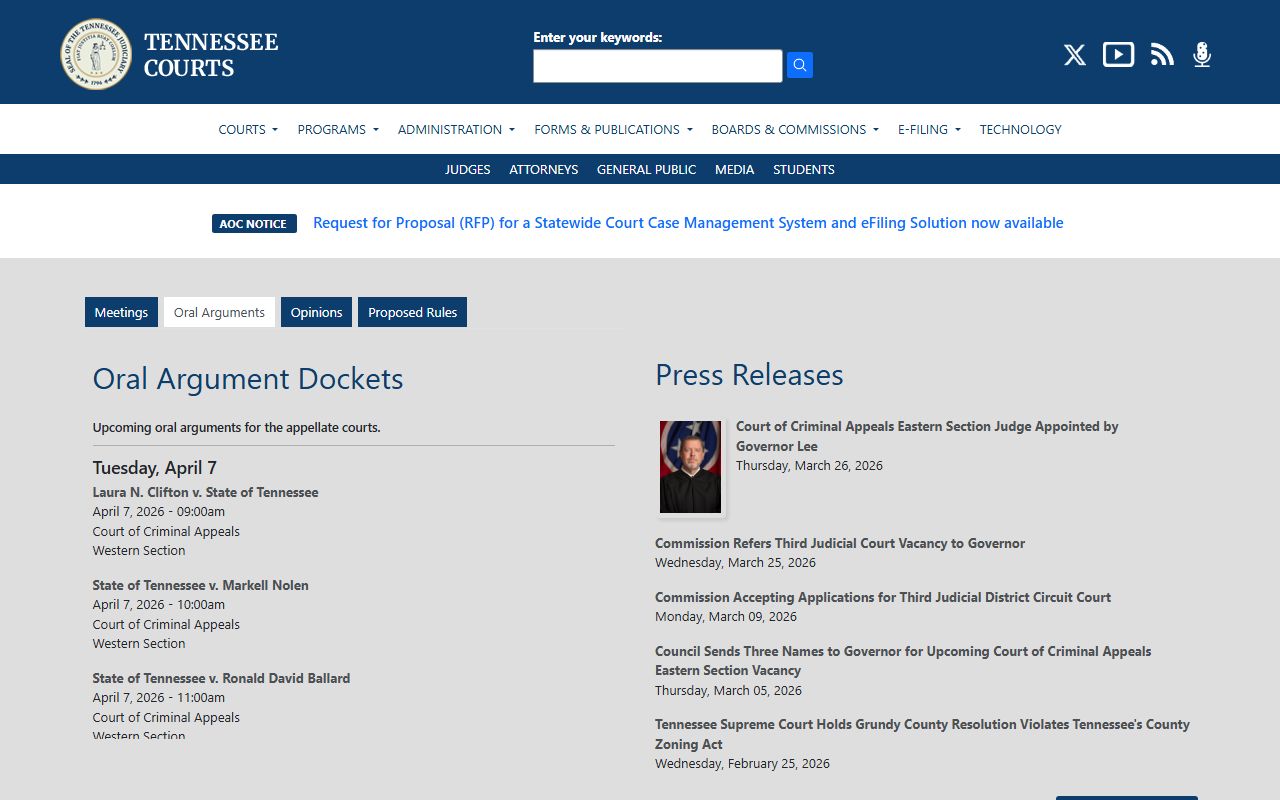
This state image gives Greene County searchers a clean portal view when the local case needs a statewide cross-check.
Where to Find Greene County Criminal Records
Greene County criminal records can be found at the county courthouse, the sheriff office, and the city police department. The clerk is the office that usually keeps the docket and certified case papers. The sheriff can help with custody or arrest-side questions. The city police can help with the earliest incident details. If you know which office you need, the search gets much shorter.
When a request is broad, the offices have to do more sorting. That slows the search and makes it easier to miss the right file. A better request names the office, the year, and the record type. If you need a complaint, a judgment, or a docket sheet, say that. The clerk can then tell you whether the file is public and what copy fee may apply.
For county office confirmation, the Tennessee court clerks directory is a helpful backup before you call or visit Greeneville.
Note: A precise request is the quickest way to move through a county office that handles both city and court records.
How to Search Greene County Criminal Records
The best Greene County search starts with a case number. If you do not have one, use the full legal name and the approximate filing year. If the matter began in Greeneville, add the police department to the request. If it became an arrest matter, add the sheriff office. This keeps the search local and avoids sending the office on a long hunt through unrelated files.
The Tennessee Courts portal at tncourts.gov can help you confirm whether a case is in the statewide court system before you ask the county office for copies. If the case later went to appeal, the Public Case History database at tncourts.gov/courts/supreme-court/public-case-history helps track the next step. Those tools are good for narrowing the search before you pay for a copy.
- Use the case number when you have it.
- Add the year if the name is common.
- Tell the office whether you need court or police records.
- Keep the request tied to Greeneville if possible.
Greene County Criminal Records and Local Offices
Local office roles are easy to mix up in Greene County, so it helps to separate them. The police department creates the earliest city report. The sheriff handles arrest-side records. The circuit clerk keeps the court file. If you follow that order, the county search is far more efficient. Greene County criminal records are usually best handled as a chain, not as a single file request.
The Tennessee Open Records Act, T.C.A. § 10-7-503, supports public inspection of many county and city records. The confidentiality limits in T.C.A. § 10-7-504 explain why some parts of a criminal file may be withheld. That matters if you ask for a report and only get part of the record back. The office is usually following the statute, not refusing the entire file.
The county sheriff office and the city police office can often tell you whether the record is open, old, or still being processed.
Tennessee Search Tools for Greene County
State tools are useful when the local Greene County trail needs support. The TBI background-check page at tn.gov/tbi/divisions/cjisdivision/background-checks.html explains statewide name searches. The fee rule in T.C.A. § 38-6-120 sets the public cost for a TBI name search. TSLA can help with older files through its court records guide. Together, those sources can fill the gaps when the county request needs more context.
If you are checking appellate history, the Public Case History page can show whether a Greene County criminal case was reviewed by a higher court. That can matter if the county docket stops at judgment but the legal history did not. State tools do not replace the county clerk, but they can tell you whether the county copy is the last stop.
Lead-in: The county search image comes from tncourts.gov.
This image fits the county search because Greene County users often start with the state portal before they ask the clerk for the local file.
Historical Greene County Records
Older Greene County criminal records may not live in the current office index. If the case is historic, the county may need a year, an older docket style, or an archive search. The Tennessee State Library and Archives guide can help if the file is outside the current clerk shelf. That is especially useful when a request begins with a family name but no case number.
Historical work is usually faster when you keep the first request narrow. Ask for the exact record you need and the year range you think fits. If that does not work, widen the date range a little. Note: Older Greene County files are easier to locate when the county office and the state archive are used together rather than as separate searches.