
Search Cookeville Criminal Records
Cookeville criminal records usually begin with the city police department and then move into municipal court or Putnam County court records depending on the kind of case. That means a useful search depends on whether you need the first report, the city court record, or the county file that followed. Cookeville has a direct city records path for police and municipal matters, and Putnam County adds the broader court layer that often matters once a case becomes formal. This page keeps those local parts together so a Cookeville criminal records search can stay focused and practical.
Cookeville Quick Facts
Cookeville Criminal Records Search
The Cookeville Police Department is located at 911 S. Brown Street, Cookeville, TN 38501. The city research in this project lists the main phone number as (931) 526-2125 and the office hours as Monday through Friday from 8:00 AM to 4:30 PM Central time. That office handles the police side of Cookeville criminal records. For many city searches, that is the best first stop because the incident report or arrest report is the record that tells you what happened first and where the case should go next.
Cookeville Municipal Court is at 942 E. 10th Street, Cookeville, TN 38501, with phone number (931) 520-5240. That court handles city-level record work tied to municipal matters. If the case moved further into the county system, Putnam County becomes the next source. The city-to-county path matters because not every Cookeville criminal record stays at the city level.
The city research also says Cookeville provides online access to municipal records and services. That makes the city website a good first check before you call or visit. It helps you decide whether the police office or the court office should get the request. It also keeps you from asking the wrong desk for a record that may live in the other office.
Cookeville criminal records often begin as a simple incident report. From there, they may turn into a traffic citation, a city ordinance case, or a county felony file. The office that first handled the matter usually shows you the next step. That is why a Cookeville search is best when it follows the chain from police to court instead of jumping straight to a broad request.
Lead-in: The City of Cookeville site is here: https://www.cookeville-tn.gov/.

This city image works well for Cookeville because it shows the official government source that supports police records and city court research.
How to Search Cookeville Criminal Records
The city research does not give a long fee chart for Cookeville, so the cleanest request is a narrow one. Bring the incident date, the place, and any report number you already have. That helps the police records office narrow the search quickly. When you only need a case check, the police report is often the document that makes the court search possible.
Cookeville criminal records searches also work better when you know whether the case stayed in the city court or moved into Putnam County. The police record can supply the detail that tells you which path to follow. That is especially useful when the names are common or the event happened in a busy part of the city.
If you are asking for a copy, be ready to show ID and describe the record clearly. Tennessee Open Records Act access means the office may let you inspect public records during business hours, but protected details can still be screened out. A request that names the incident, the date, and the people involved usually moves faster than a broad name search.
It also helps to separate police records from court records before you start. An arrest report, an incident report, and a municipal court file can all describe the same event, but each one serves a different purpose. The police office explains the start. The court file explains the charge and result. That split is the practical way to search Cookeville criminal records.
- Incident date and location
- Names of involved people
- Report number if known
- Photo ID for release
Cookeville Criminal Records in Court
Cookeville Municipal Court handles local traffic and ordinance matters, but broader criminal case history often belongs to Putnam County once the case leaves the city stage. That is why a city-only search can miss the larger court record. The police report explains how the matter began. The county court file usually explains how it moved through court and how it ended.
The county companion on this site is Putnam County criminal records. That page gives the county courthouse and sheriff path that complements the Cookeville police and municipal court search. The Tennessee Courts portal at tncourts.gov also helps confirm whether a Cookeville matter appears in the trial-court system before you ask for copies.
If the case reached appeal, Public Case History is the next state-level source. It does not replace Putnam County records, but it helps complete the record path when the matter moved beyond local trial court.
Putnam County is the county-seat layer behind Cookeville, so this is where a city case can become a county case. If the city record points to a felony matter, the county court file is the one that usually holds the stronger final result. If the case is still only a city matter, the municipal court record may be all you need.
Cookeville Criminal Records and Public Access
Public access to Cookeville criminal records still depends on Tennessee law. T.C.A. § 10-7-503 supports public inspection of records during business hours, and T.C.A. § 10-7-504 explains the main confidentiality limits. That means many records are open, but some investigative and protected personal details can still be withheld or partly redacted.
Statewide tools matter when the local search is not enough. The TBI criminal-history page explains statewide name-based searches, and the Tennessee State Library and Archives helps with older court material. Those resources are useful when Cookeville criminal records need more context than the city and county can quickly provide together.
The city record system and the state tools work best together. Use the city for fresh reports, the county for the case file, and the state for the wider record trail. That mix keeps the search from stalling when the first office cannot give you everything. It also helps when the record is partly open and partly protected, which is common in active or sensitive criminal matters.
Lead-in: The Tennessee State Courts portal is here: https://www.tncourts.gov/.
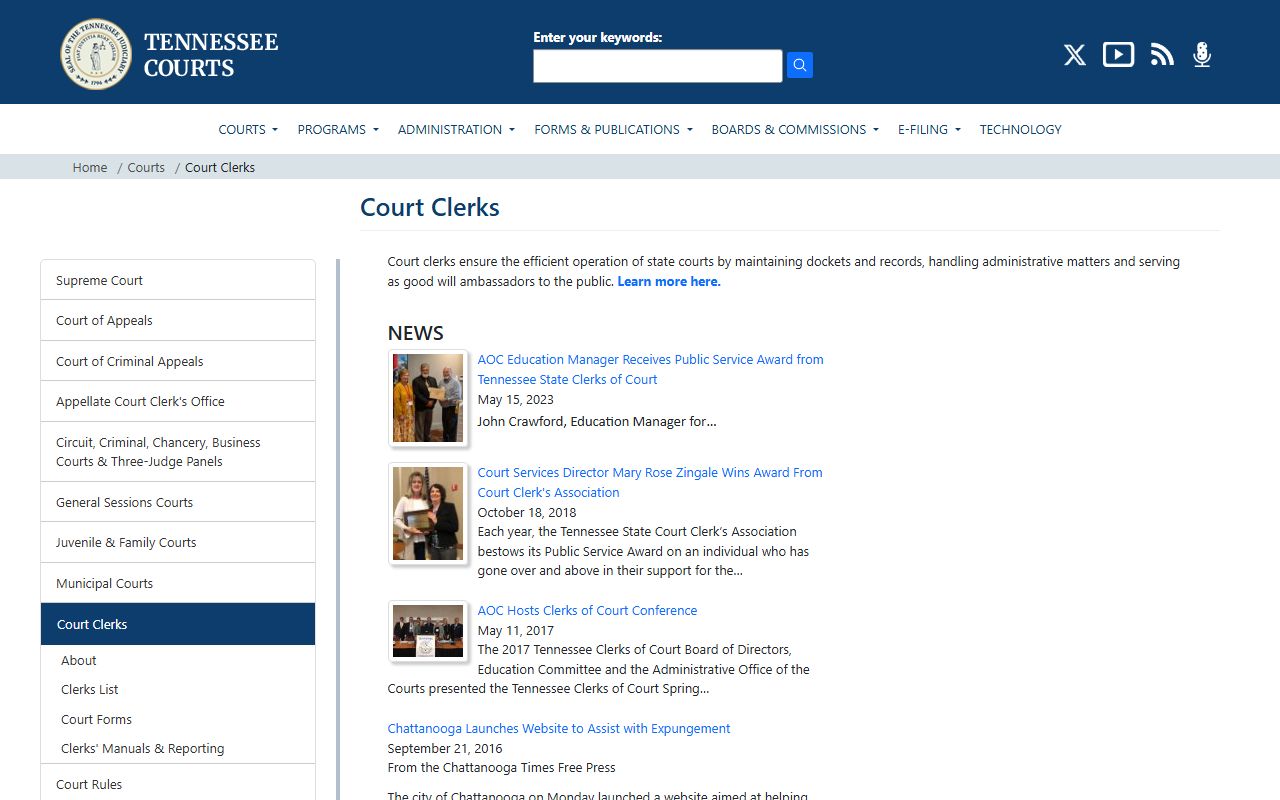
This state image gives Cookeville searchers a clean fallback when they need a county office after the city report is identified.
Cookeville Police And Court Tips
Cookeville searches are easier when you start with the local office that created the record. The police department is best for incident history. The municipal court is best for city violations and court dates. Putnam County becomes the next stop when the matter grows into a felony case or another county-level court file. That order keeps the search tight and avoids unnecessary back-and-forth.
It also helps to ask for the smallest useful record first. A report summary, a docket entry, or a court date can point you to the larger file. Once you know the right office, you can ask for certified copies or related pages if needed. This is a better strategy than asking every office for everything at once.
Note: Cookeville criminal records are simplest when you treat the city and county records as parts of one trail, not separate searches.
Putnam County Criminal Records
Cookeville is in Putnam County, and the county offices are the next stop when a city police matter becomes a broader court case.
That county page helps when the city search shows a felony charge, a long-running docket, or a matter that left municipal court. It also helps when the city file is just the first step and you still need the county judgment or docket history. Putnam County is the clean landing point for that next layer of research.